
Guide
Back to GuidesReezn Picture-in-Picture Mode: Watch and Multitask
Use Reezn picture-in-picture on Android: enable the floating video window, move and resize it, fix PiP not working, and save battery while you multitask.
CHAPTERS On this page
What picture-in-picture actually does
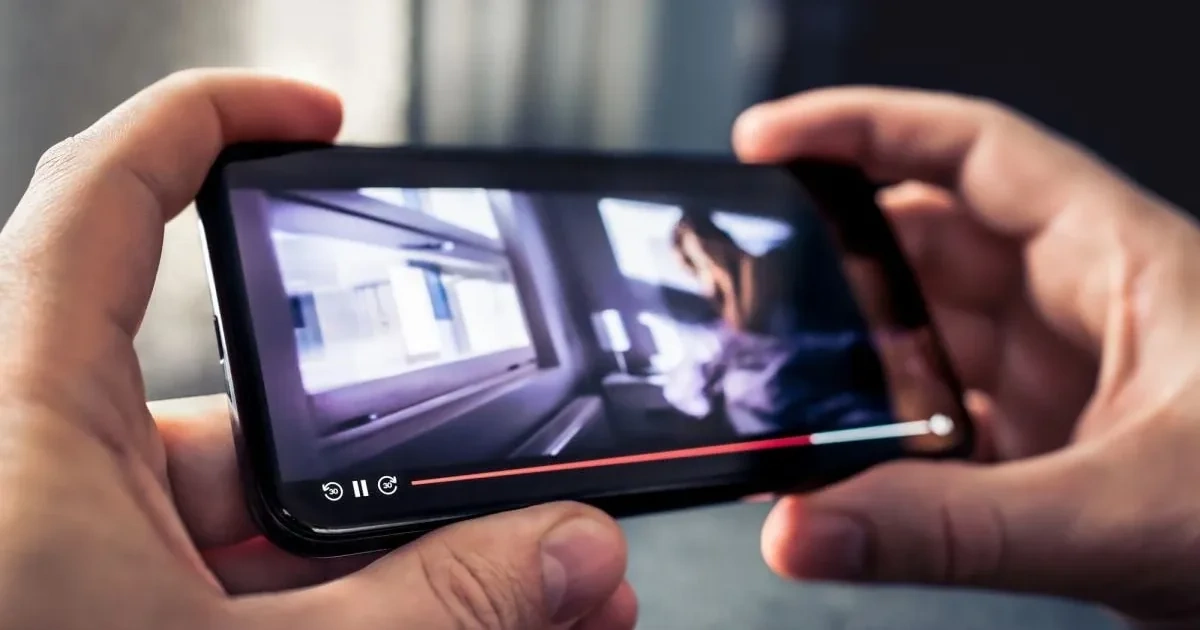
Picture-in-picture shrinks your video into a small floating window that stays on top of everything else on your phone. You can answer messages, check a map, or browse your files while the movie keeps playing in the corner of the screen. The Reezn APK hands the feature over to Android's own PiP system, so the mini player behaves like the ones in your other apps instead of a custom overlay that fights the operating system.
Switching the feature on
PiP is usually ready out of the box, but two switches control it and both must be on. First open the app's playback settings, find the picture-in-picture option, and make sure the toggle is enabled. Then open your phone's system settings, go to Apps, tap Reezn, open Permissions, and confirm that the picture-in-picture permission is allowed. System updates sometimes reset app permissions, so this is the first place to look if the floating window stops appearing.
Shrinking a playing video
While a video plays, press the home button or swipe up to your home screen and the video collapses into its floating window on its own. On gesture-navigation phones the move feels instant: one swipe up and you are back on your launcher with playback still running. If you prefer doing it by hand, the Reezn playback gestures guide lists the tap and swipe combos that push the player into PiP without leaving the app first.
Moving and resizing the mini player
Drag the floating window with one finger and drop it in any corner or along any edge; it snaps into place when you release it. Pinch with two fingers to grow or shrink it within the limits Android allows. The window always floats above other apps but never blocks the notification shade, so you can pull down quick settings or dismiss a call without hunting for a hidden handle.
The controls inside the mini window
Tap the window once to reveal a compact control strip: play and pause, skip a few seconds forward or back, and a close button that ends playback. The set stays deliberately small so the video never covers much of your screen. Everything beyond that, from double-tap seeking to brightness swipes, lives in the full player, so jump back to full screen when you need the complete toolkit.
Everyday combos that make PiP worth it
The obvious use is messaging: keep a show running in the corner while you reply without pausing. Travelers pair it with downloads instead, watching episodes over maps and transit apps with no signal needed, and that is exactly where the Reezn offline playback mode and the floating window work best together. Students park lecture recordings above note-taking apps, cooks keep recipe videos visible while a timer counts down, and sports fans watch a match while the group chat argues about it.
When the floating window refuses to appear
Three culprits cause almost every failure. The first is the system-level permission from the setup section, worth rechecking after every major OS update. The second is battery optimization: aggressive power savers can freeze background playback, so exempt Reezn from battery restrictions if the mini player pauses when the screen locks. The third is the file itself: some protected streams disable PiP by design, and no toggle overrides that. Your own files and ordinary downloads always shrink fine.
One more edge case worth knowing: subtitles can look like they vanished in the mini window when they are simply too small to read at that size. Raise the subtitle size before you shrink the player and the problem goes away. If the timing or the font bothers you as well, the Reezn subtitle sync settings walkthrough covers size, position, and delay for small screens.
Battery and data while the window floats
PiP keeps the decoder running, so power draw is roughly the same as watching full screen. The two biggest savings are lowering brightness a notch and keeping the window small, since a smaller surface means less work for the display. On mobile data the stream keeps consuming bandwidth too, so lean on downloaded files when you are away from Wi-Fi and save your data plan for something else.
Quick answers
Does Reezn picture-in-picture work on every Android phone?
Any phone on Android 8.0 or newer supports system-level PiP. Older phones may still offer a floating window inside the app, but it disappears when you leave the app.
Why does the video pause when I open another app?
That means the system PiP permission is off or battery optimization is freezing Reezn in the background. Allow the permission and exempt the app, and the window keeps playing.
Can I resize the floating video window?
Yes. Pinch it with two fingers to change its size within Android's limits, and drag it with one finger to park it in any corner of the screen.
Do subtitles show in the mini player?
They do, but they can be tiny at window size. Increase the subtitle size in Reezn's subtitle settings before entering PiP so they stay readable.