
Guide
How to Install Reezn APK on Android
From download to first library scan: unknown sources, permissions, and fixes for the install errors people hit most.
Read guide →Remote
Practical walkthroughs from the projection booth: install steps, casting setup, subtitle fixes, format support, and honest comparisons with other players. Every guide is tested on real phones.
Start with setup: installing the APK cleanly, moving Reezn onto Android TV or a TV box, and updating to a new build without losing your library, resume points, or playlists. These guides walk each step with the exact screens you will see, plus the fixes for the errors people hit most.
Then dial in playback. Subtitles get their own guide: loading external files, shifting timing when captions drift, and sizing text for comfortable reading. Gestures cover volume, brightness, seek, and zoom. The Reezn equalizer guide focuses on presets that work and dialogue clarity, while background play turns long talks and music into a pocket podcast player.
The troubleshooting shelf handles real failures: videos that refuse to play in Reezn, battery drain from decoding and background scans, and buffering when streaming from a NAS or shared folders over Wi-Fi. Finally, the comparisons put this player next to VLC, MX Player, and the stock player on your phone, alongside an honest look at safety, permissions, and offline mode. Each guide is written from a real Reezn install on a real phone.
Get the Reezn APK on your phone, move it onto Android TV or a TV box, and update to a new build without losing your library. Step-by-step with the exact screens.
Subtitles, gestures, the equalizer, and background play: every control Reezn gives you, explained with the settings that actually matter.
Unplayable videos, battery drain, and network buffering, solved. Real fixes tested on real phones, not generic advice.
Reezn against VLC, MX Player, and your phone's stock player, plus the safety and offline-mode questions everyone asks.
Guide
From download to first library scan: unknown sources, permissions, and fixes for the install errors people hit most.
Read guide →
Guide
Two Android players compared on interface, library organization, format support, casting, subtitles, and battery life.
Read guide →
Guide
Requirements, step-by-step TV setup, fixing a TV that refuses to appear, and tips for smooth big-screen playback.
Read guide →
Guide
What works free, what needs premium, whether the upgrade is worth it, and how to get set up for offline viewing.
Read guide →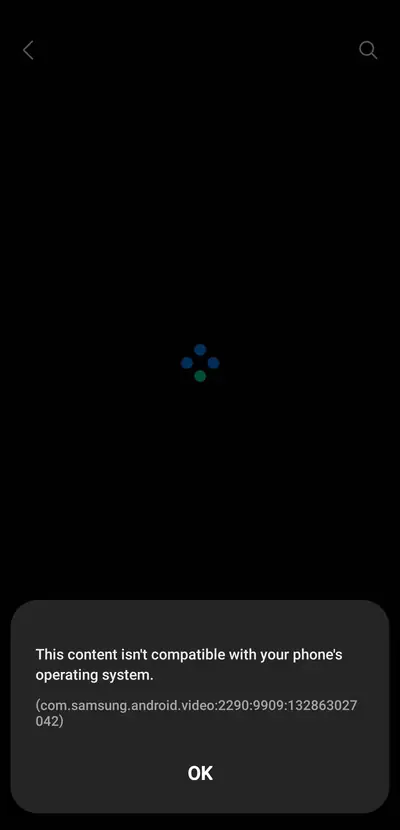
Guide
Seven fixes in order: file checks, audio, stutter, black screen, and codec problems, each with a clear test.
Read guide →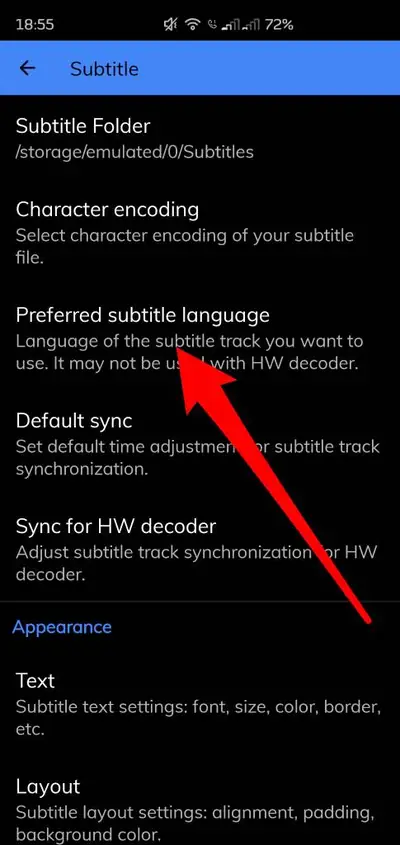
Guide
Load external subtitle files, fix out-of-sync captions in 100ms steps, adjust size and style, and use subtitles while casting.
Read guide →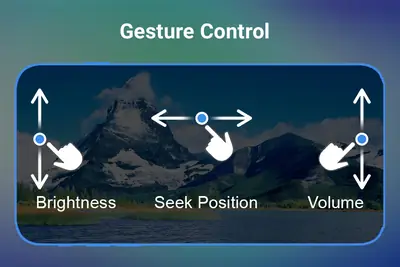
Guide
Volume, brightness, seek, zoom, and the hidden taps: the full cheat sheet for one-thumb control.
Read guide →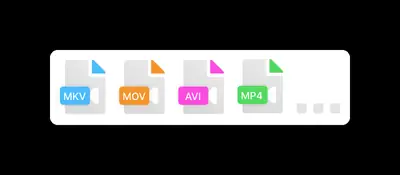
Guide
Video containers, audio codecs, and subtitle formats: what plays natively and what needs a workaround.
Read guide →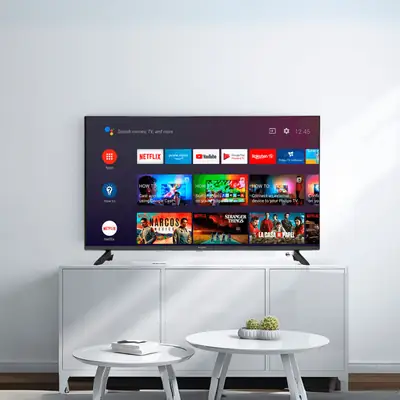
Guide
Transferring the APK, installing with a file manager, remote-friendly settings, and big-screen tips for TV boxes.
Read guide →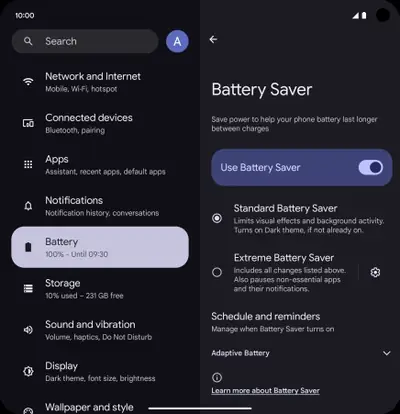
Guide
The real culprits are brightness, decoding, and background scans. Trim all three with these settings.
Read guide →
Guide
Install the new build over the old one without losing your library, resume points, or playlists.
Read guide →
Guide
Compared on interface, codecs, gestures, ads, and price: which Android video player deserves the home screen?
Read guide →
Guide
What we scan, what the permissions mean, the account question, and the precautions that actually matter. No hype.
Read guide →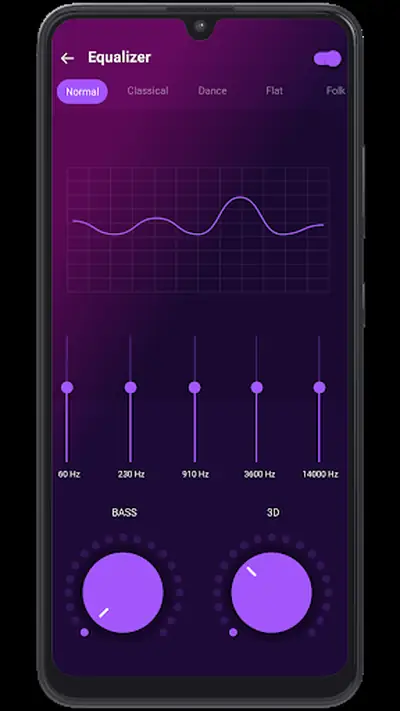
Guide
Equalizer presets that work, when to touch the bass, dialogue clarity tweaks, and the audio settings worth changing.
Read guide →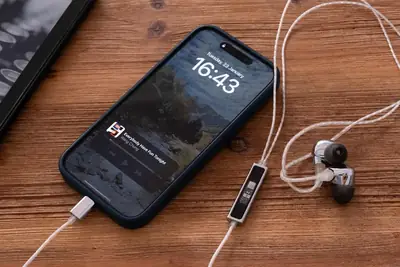
Guide
Enabling background audio, lock-screen controls, battery trade-offs, and the settings that keep music going.
Read guide →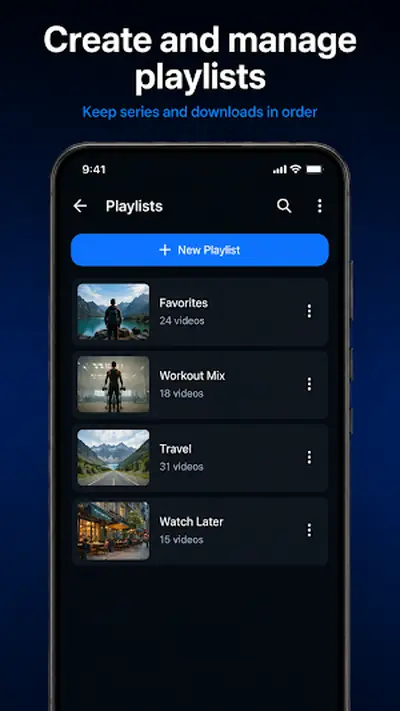
Guide
Creating queues, reordering on the fly, saving for later, and the background-play combo for music sessions.
Read guide →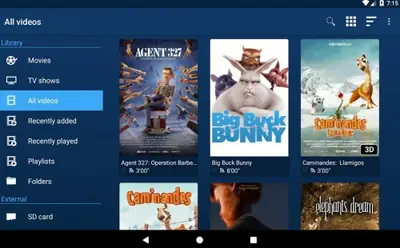
Guide
Library, codecs, gestures, casting, and subtitles compared against the player that came with your phone.
Read guide →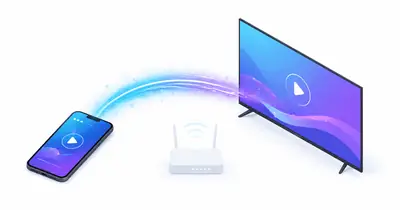
Guide
SMB setup for NAS and shared folders, what plays well over Wi-Fi, and fixing buffering on local streams.
Read guide →